upGrad Lite
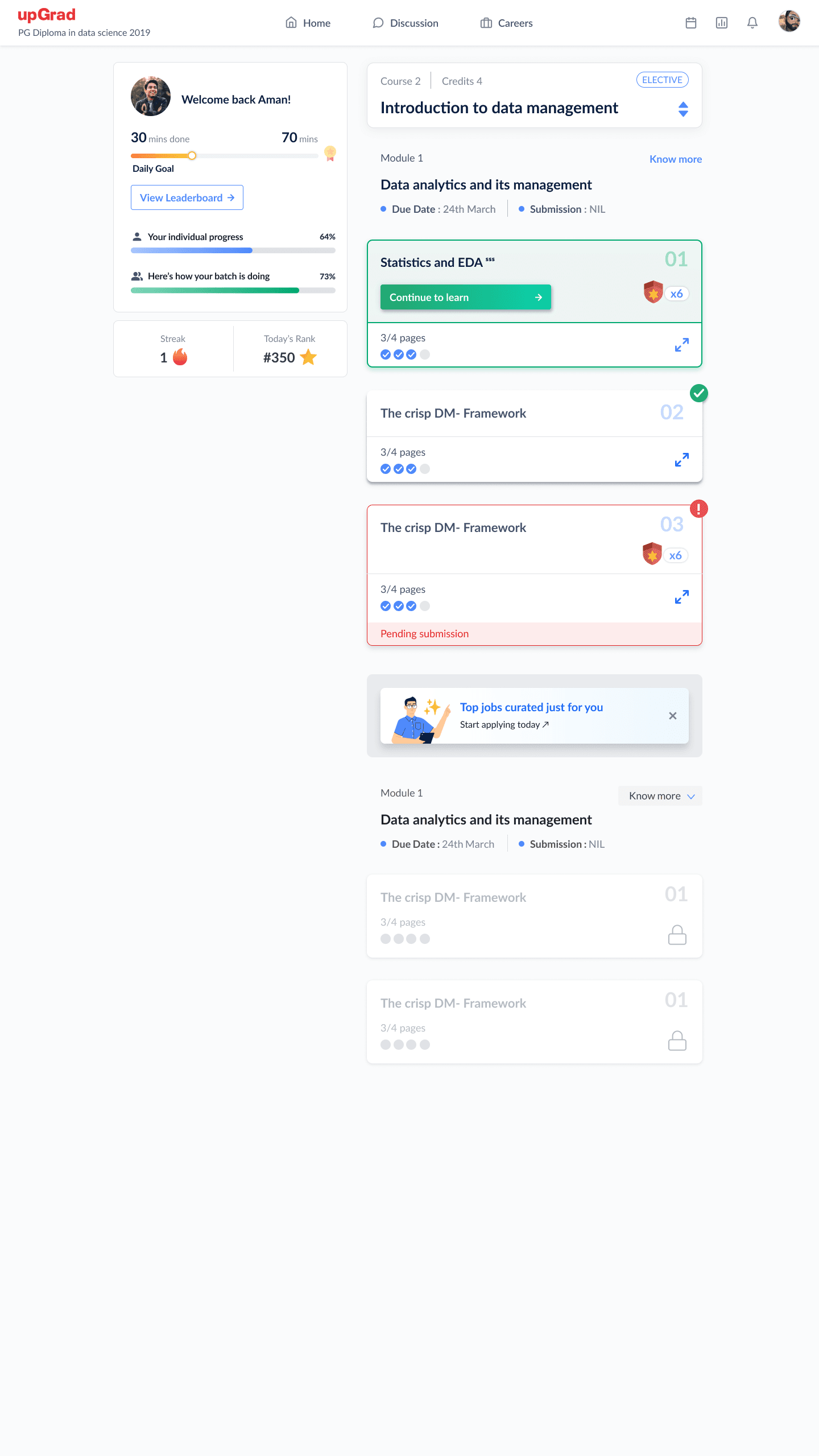
A lightweight, offline-capable version of upGrad's learner experience — built to reach students on constrained networks and low-end Android devices without shipping a degraded product. 60% smaller bundle, full offline course playback, and sub-3-second load on 2G.
60%
JS bundle size reduction
<3s
First Contentful Paint on 2G
100%
Offline course playback coverage
~40%
Load-time reduction on slow devices
Why Lite?
upGrad's ambition was to serve learners across India — not just urban metro professionals with fiber broadband and flagship smartphones. Tier 2 and Tier 3 city learners, often on Android devices in the ₹8,000–₹15,000 price range and mobile data plans with constrained bandwidth, were experiencing the main platform as a friction-heavy, slow-loading product.
Session analytics showed a clear pattern: learners on slow connections had 2.8× higher bounce rates on lesson load, lower module completion rates, and disproportionately high support tickets about "videos not loading" and "lost progress." The drop-off wasn't because the content wasn't valuable — it was because the delivery mechanism failed them.
The Lite initiative was product-driven with engineering ownership: don't build a watered-down second product — build the same product, delivered intelligently for the constraints of the device and network it's running on.
Engineering Approach
Bundle Architecture Overhaul
The main learner app had accumulated a 2.8MB gzipped JS bundle. Analysis via Webpack Bundle Analyzer revealed three categories of waste: vendor duplication (moment.js, lodash variants imported separately across multiple modules), unused feature code included in the main bundle (admin tooling, instructor-only features loaded for all users), and unoptimized third-party SDKs. The Lite build introduces a separate Webpack config with aggressive tree-shaking, lodash-es imports, and a feature entitlement system: admin/instructor modules are code-split and only loaded if the authenticated user's role requires them. The result was a 60% reduction to ~1.1MB — under the threshold for a comfortable first load on 3G.
Offline-First Service Worker Architecture
Workbox manages the service worker lifecycle. The caching strategy is differentiated by resource type: course content assets (video manifests, lesson HTML, quiz JSON) are cached on enrollment via a background sync job — the learner gets the offline-ready badge immediately after enrolling, not after they've manually opened each lesson. Static assets use a cache-first strategy with versioned URLs (immutable, long TTL). API responses for active course data use stale-while-revalidate with a 4-hour window, so the UI is always snappy even when the network is slow. The critical engineering detail: the service worker registers a sync event for progress writes. If a learner submits a quiz answer or marks a lesson complete while offline, the event is queued in IndexedDB. When connectivity restores, the sync event fires and replays the writes to the API in order, with idempotency keys to prevent duplicate credit.
Progressive Image & Video Loading
Video delivery uses adaptive bitrate streaming (HLS with CloudFront) — the player selects the appropriate quality tier based on measured bandwidth. For lesson thumbnails and UI images, we implemented a placeholder blur-up technique: a tiny (20×20) base64-encoded LQIP (Low-Quality Image Placeholder) is inlined in the HTML and replaced by the full image once it loads. This eliminates layout shift and makes the page feel populated even on a 2G first load where images are still in flight.
Network-Aware Feature Gating
The Network Information API (where supported) is used to detect effective connection type. On 2G connections, the app automatically switches to a text-first mode: video autoplay is disabled, high-resolution images are deferred, and the lesson is presented in a reading-optimized layout with the video available on explicit tap. This detection is transparent to the learner — the UI explains it ("You're on a slow connection. We've optimized your lesson view") without requiring any settings changes.
Measurement & CI Gates
Lighthouse CI runs on every PR with a performance budget: FCP ≤ 2.5s on a simulated Moto G4 (a common Tier 2 device proxy) over simulated 3G. A PR that regresses FCP, LCP, or TTI beyond budget cannot be merged. Field data via Web Vitals API is logged to our analytics pipeline, enabling real-device percentile tracking separate from lab benchmarks. The gap between lab and field measurements was a key calibration input — field P90 on 2G was consistently 20–30% worse than lab simulation, which informed more aggressive optimization targets.
What This Unlocked
The Lite initiative wasn't just an optimization exercise — it was a market expansion enabler. upGrad's growth strategy explicitly targeted Tier 2 and 3 city professionals as the next acquisition cohort. Without a performant, offline-capable product that worked on their devices and network conditions, that cohort was unreachable regardless of marketing spend.
Post-launch, session abandonment on slow connections dropped measurably, and module completion rates in the sub-1Mbps segment improved. The engineering patterns established in Lite — the Workbox caching architecture, the network-aware feature gating, and the Lighthouse CI gates — became platform-wide standards rather than staying isolated to the Lite build. The detailed write-up was published on the upGrad Engineering blog and became a reference for the team's approach to performance in subsequent product launches.